There is a special kind of comfort in a game that moves softly. A menu that glides instead of snapping. A potion bottle that settles with a gentle bounce. A cursor that eases into place like it is landing on a pillow.
This is not just “pretty animation.” The soft animations science behind smooth motion connects to how your brain predicts movement, how your eyes track changes on screen, and how your nervous system reacts to surprise. When motion is calm and consistent, your brain spends less energy bracing for what comes next.
In this article, we will explore the simple neuroscience principles behind soft motion, why smooth frames can feel safer, and how to design animations that support cozy gameplay instead of draining attention.
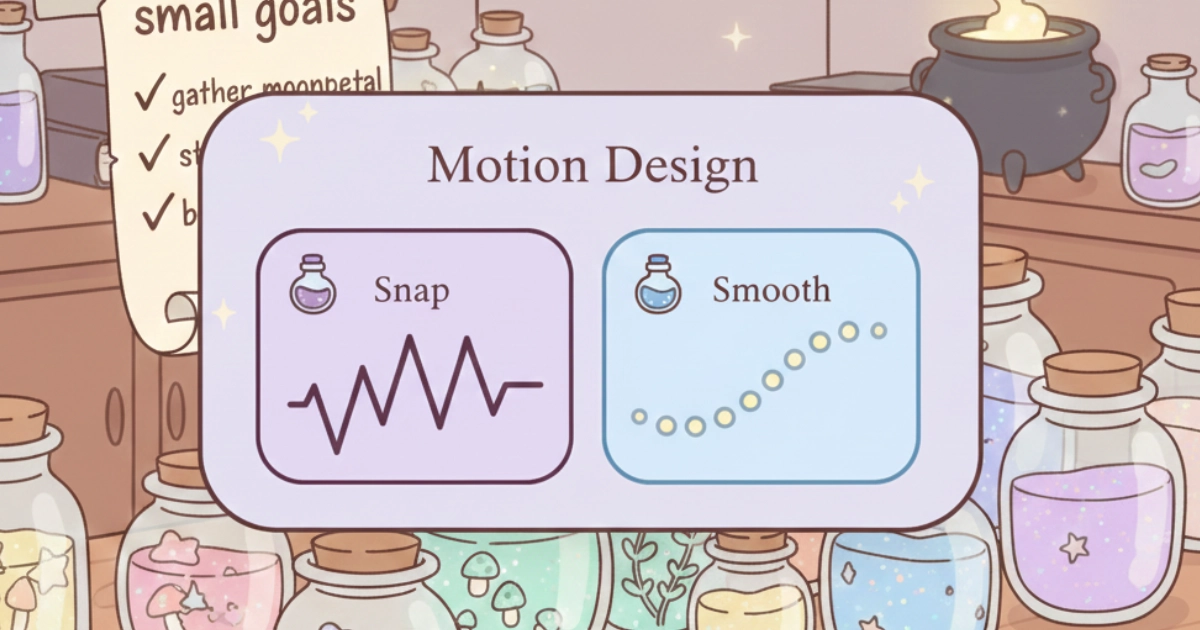
Soft motion helps the brain predict what happens next.
Table of Contents
1) Why the brain loves predictable motion
Your brain is a prediction machine. It constantly guesses what will happen next, then updates those guesses using what you see and hear. When a game moves in a stable, readable way, your brain can “follow along” without tension.
Sudden changes break prediction. A harsh pop-in, a fast zoom, a sharp shake, or a strobing transition can feel like a tiny alarm. Even if nothing bad happens, your nervous system still does a quick check: “Was that a threat?” Soft motion lowers that need for constant checking.
2) Soft animations science: smooth frames reduce visual effort
When motion is smooth, your eyes can track it with less strain. Your attention stays anchored. You are not forced to re-locate elements every second. This is one reason cozy games often feel easier to stay inside, even after a long day.
Frame pacing matters here. If motion looks jittery or uneven, your brain keeps re-evaluating the movement. It is not the same as “low FPS equals bad,” but unstable timing can increase effort because the motion stops feeling continuous.
For interface motion, UX research also recommends using animation with restraint and choosing timing and motion characteristics that stay unobtrusive and purposeful. That kind of “quiet motion” helps users stay oriented instead of distracted. external UX motion resource
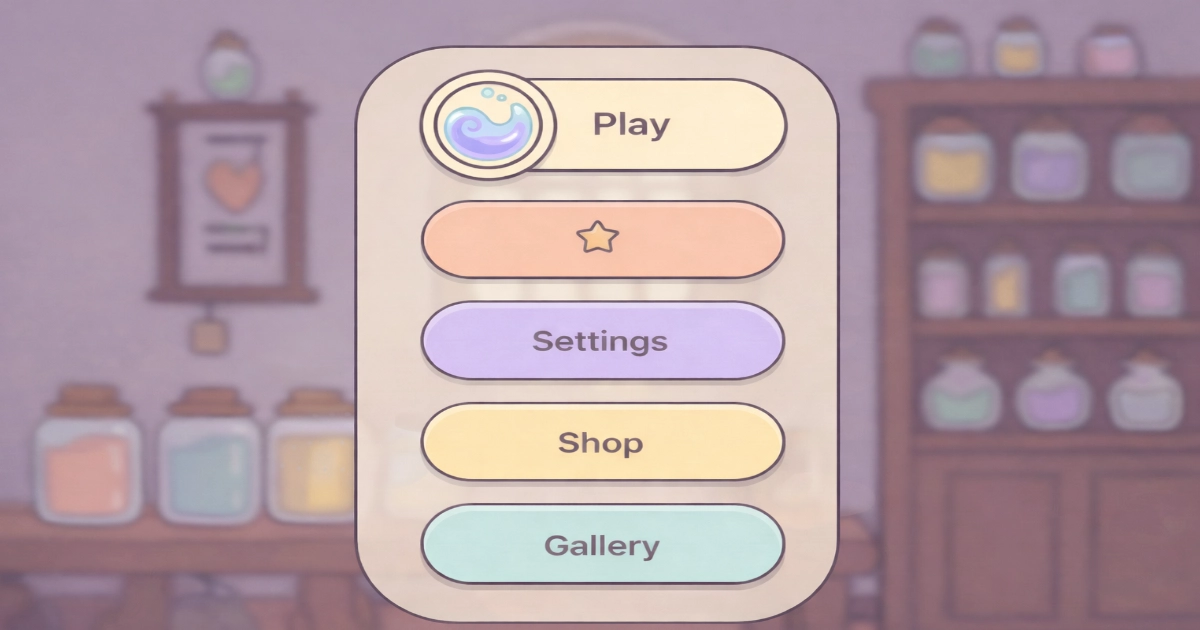
Even spacing and easing make motion feel quiet and readable.
3) Easing, anticipation, and the “nothing jumps at you” feeling
Soft animation is rarely about being slow. It is about being kind. Easing (starting gently, moving smoothly, and landing softly) tells the brain, “This is controlled.” It creates a sense of intention, like a careful hand setting down a glass bottle.
Small anticipation can also help. A tiny lift before a button expands, or a subtle fade before a panel appears, gives the brain a micro-warning. That reduces surprise and supports comfort, especially for visually sensitive players.
If you want a practical UX lens on timing and motion characteristics, Nielsen Norman Group describes how duration and motion choices affect comfort and attention. external UX timing resource

Easing turns motion into a gentle rhythm.
4) When motion becomes stressful: jitter, auto-play, and sensory overload
Soft motion can calm, but motion can also overwhelm. Problems often come from three patterns: too much movement at once, motion that plays without your consent, or motion that is fast and repetitive.
Auto-playing animations in the corner of the screen can pull attention like a magnet. Frequent bounces can feel like constant tapping on your shoulder. And shaky camera motion can trigger discomfort for some players, especially if they are already tired or sensitive.
For a health-focused reminder that screen comfort is not only about brightness, but also about how we use devices and how our eyes react over time, the American Academy of Ophthalmology shares practical guidance on digital devices and eye comfort. external eye comfort resource
5) Designing calm motion: a cozy checklist for artists and animators
Think of animation as hospitality. Your motion should guide, reassure, and never shout. In cozy games, “soft” usually means consistent, readable, and gently responsive to the player’s actions.
Here are a few calm rules that often work well:
- Use easing by default: soft starts, smooth middles, soft landings.
- Keep loops quiet: reduce bounce height, slow tiny idle motions, avoid constant wiggles.
- Animate for feedback: show state changes and cause-and-effect, not decoration overload.
- Prefer fades and slides over shakes: especially for warnings or errors.
- Offer motion options: a “reduced motion” toggle respects different bodies and brains.
- Watch frame pacing: stable timing often feels calmer than “technically fast” but uneven motion.
If you want a broader, research-backed view on digital eye strain and practical steps that can reduce discomfort (including screen settings and break habits), this open-access review is a strong reference point. external digital eye strain review
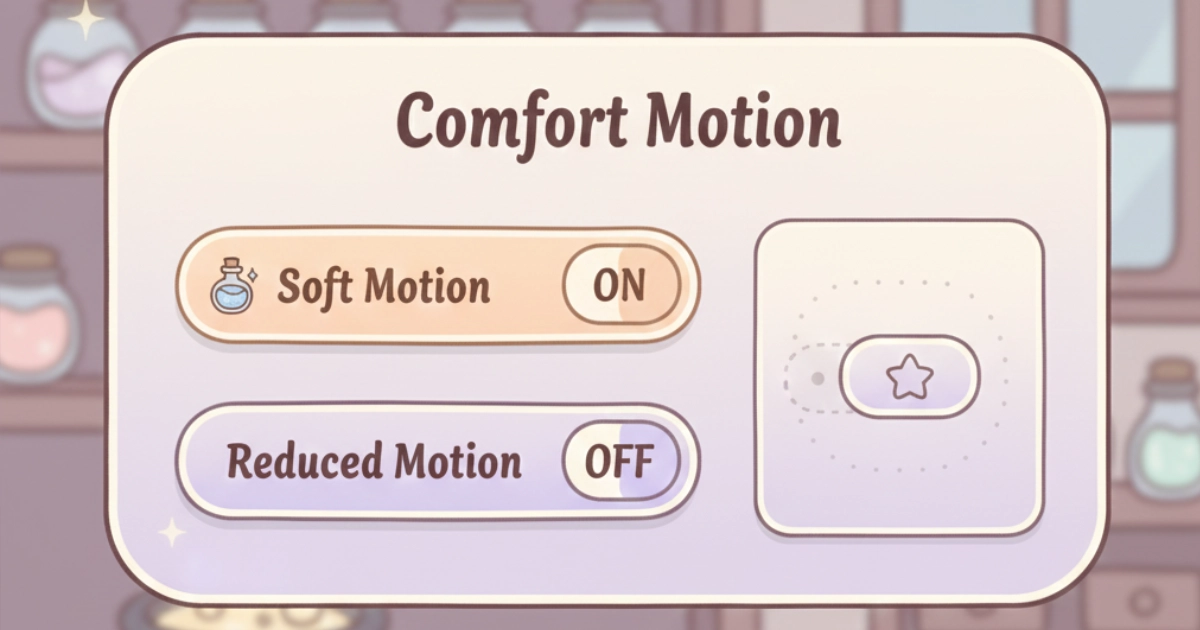
Options let every player choose the gentlest experience.
Final Thoughts
Soft motion is not a luxury detail. It is part of how a game feels emotionally safe. When animations are smooth, purposeful, and consistent, your brain does less work predicting surprises, and your attention can rest inside the experience.
Soft motion is not a luxury detail. It is part of how a game feels emotionally safe. When animations are smooth, purposeful, and consistent, your brain does less work predicting surprises, allowing attention to settle gently inside the experience.
If you enjoyed this kind of design psychology, you may also like Why Low-Contrast Interfaces Reduce Visual Stress and Attention Fatigue: Why Slow Games Are Better for the Mind, which explore how calm visuals and reduced urgency support mental recovery. And if you want more calm design ideas for Potion Game, join the waitlist for gentle updates and cozy development notes.
Want to be part of a new cozy alchemy adventure?
Join the Potion Game waitlist 💛